
Building a gaming PC is one of the best ways to experience modern gaming at its full potential. Unlike pre-built systems, building your own PC allows you to choose powerful components, customize your setup, and upgrade hardware in the future. Many gamers prefer building their own systems because it gives them better performance and value for money.
However, building a gaming PC requires understanding several important components such as the processor, graphics card, motherboard, RAM, storage, power supply, cooling system, and case. Each component plays a crucial role in the overall performance of the system.
In this complete guide, we will explain all the necessary components required to build a gaming PC, what to look for when buying them, and which components are considered the best in 2026.
Processor (CPU)
The CPU (Central Processing Unit) is the brain of the computer. It is responsible for processing instructions, managing tasks, and communicating with other components in the system.
In gaming, the CPU works together with the graphics card to process game logic, physics calculations, and background tasks. A powerful CPU ensures smooth gameplay and reduces bottlenecks.
What to Look for in a CPU
When choosing a processor for gaming, consider the following factors:
- Core count and thread count
- Clock speed (GHz)
- Gaming performance benchmarks
- Compatibility with motherboard
Modern games benefit from processors with higher clock speeds and multiple cores.
Best CPUs for Gaming in 2026
AMD Ryzen 7 7800X3D
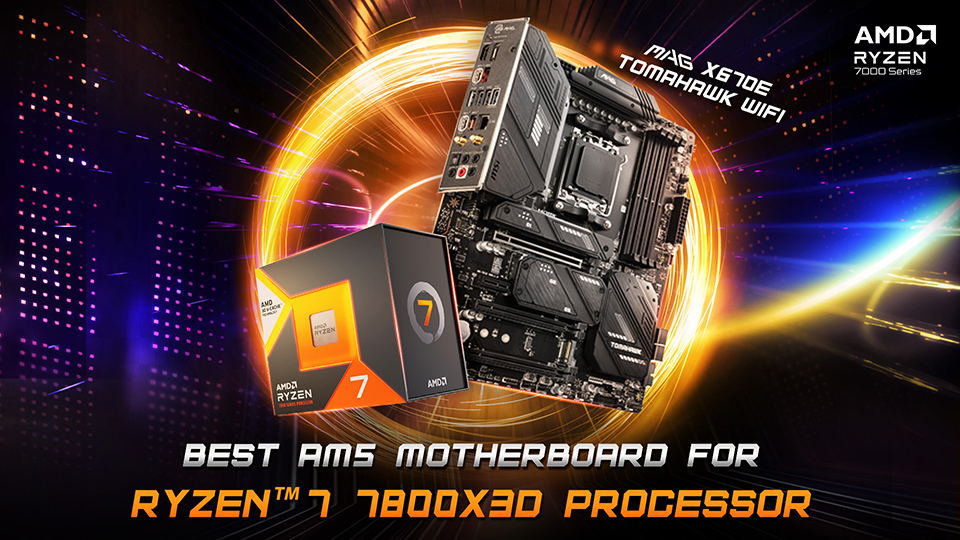
This processor is widely considered one of the best gaming CPUs due to AMD’s 3D V-Cache technology, which improves gaming performance significantly.
Intel Core i7-14700K
Another excellent choice that delivers strong gaming and multitasking performanc
Why These CPUs Are Best
- High gaming performance
- Excellent multitasking ability
- Future-proof technology
- Strong compatibility with modern motherboards
Graphics Card (GPU)
The GPU (Graphics Processing Unit) is the most important component in a gaming PC. It handles rendering graphics, textures, lighting, and visual effects in games.
A powerful GPU allows you to play games at higher resolutions, higher frame rates, and better graphical settings.
What to Look for in a GPU
When choosing a graphics card, consider:
- VRAM (video memory)
- Ray tracing support
- Gaming benchmarks
- Power consumption
- DLSS or AI technologies
Best GPUs for Gaming in 2026
NVIDIA RTX 5090
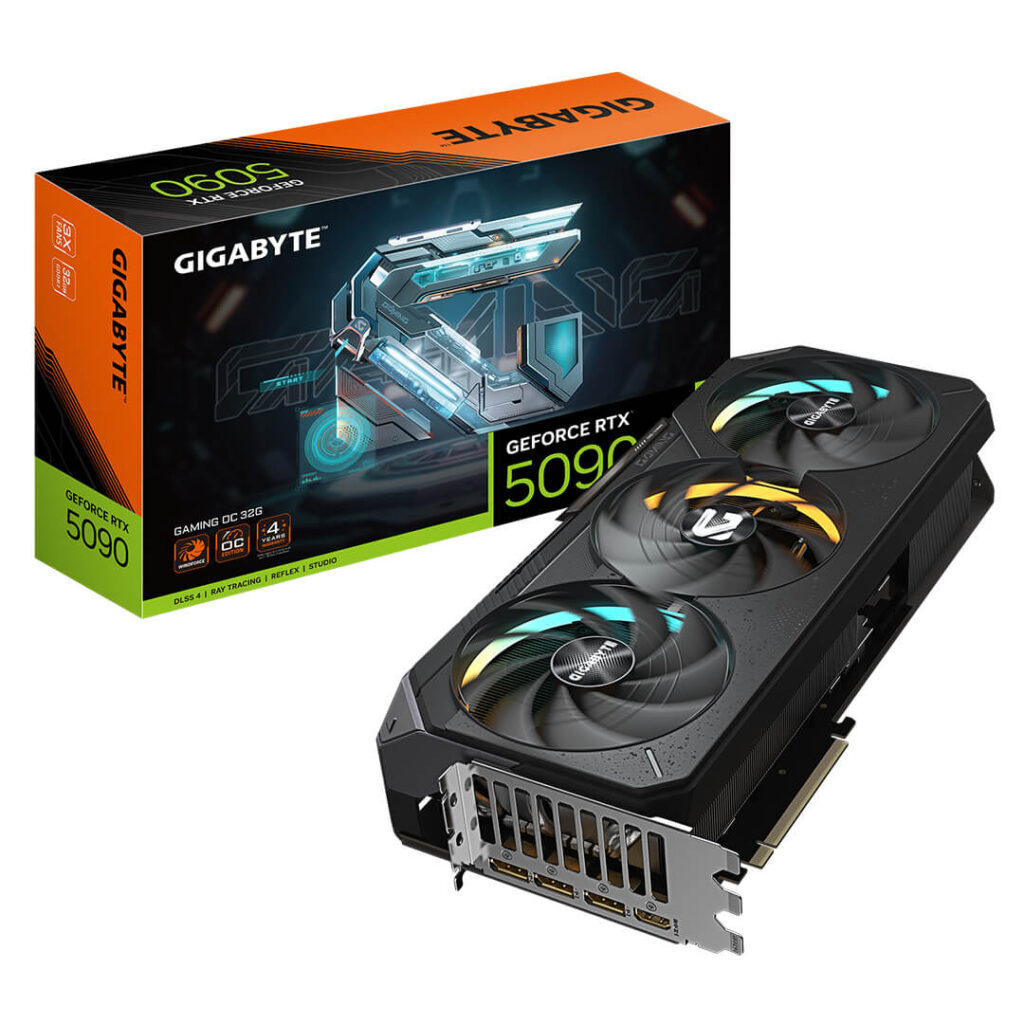
Currently one of the most powerful GPUs available. It supports 8K gaming, advanced ray tracing, and DLSS 4 technology.
NVIDIA RTX 5080
A slightly more affordable GPU that still delivers incredible performance.
AMD Radeon RX 8900 XT
A strong competitor with excellent rasterization performance.
Why These GPUs Are Best
- Extremely high gaming performance
- Ray tracing support
- Future-proof technology
- AI upscaling features
For gaming PCs, the GPU should be the largest portion of your budget.
Motherboard
The motherboard is the main circuit board that connects all components of your PC together. It allows communication between the CPU, RAM, storage, and GPU.
Choosing the right motherboard ensures compatibility and stability.
What to Look for in a Motherboard
- CPU socket compatibility
- RAM support (DDR5 recommended)
- PCIe 5.0 support
- Number of USB ports
- Expansion slots
Best Motherboards for Gaming
ASUS ROG Strix X670E
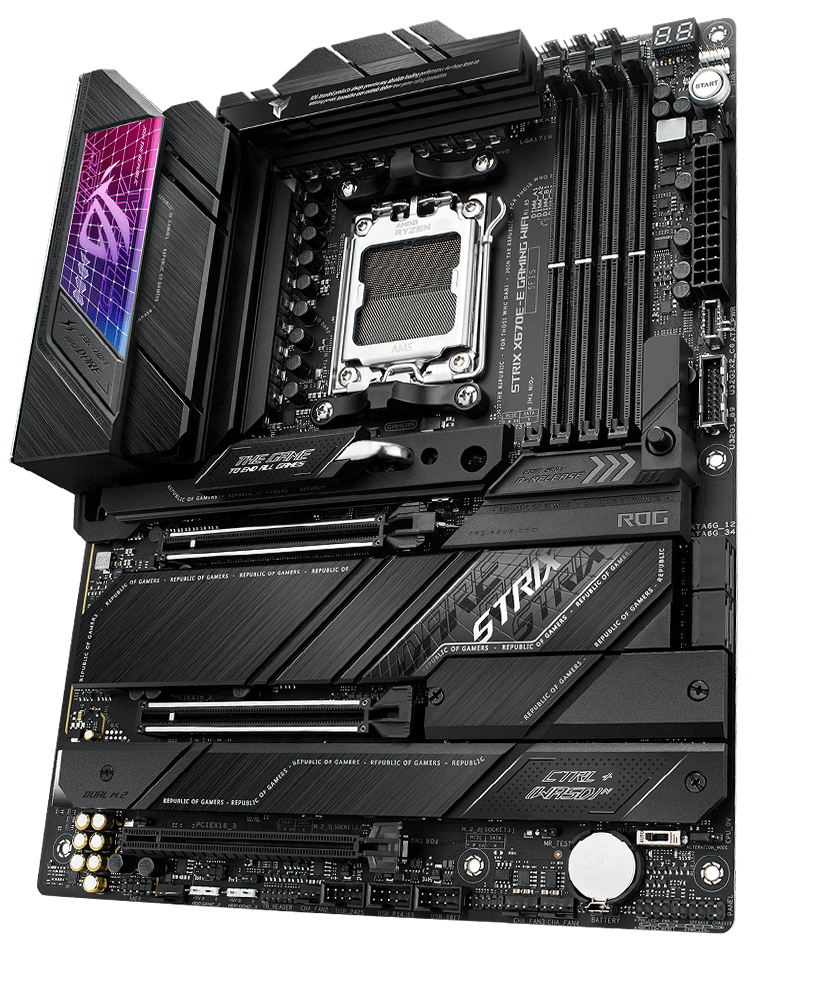
A premium motherboard designed for AMD Ryzen processors
MSI Z790 Gaming Pro
A powerful motherboard for Intel CPUs.
Why These Motherboards Are Best
- Excellent power delivery
- Strong cooling system
- Support for modern technologies
- Reliable performance
RAM (Memory)
RAM allows your computer to run multiple applications and games smoothly. It temporarily stores data that the CPU and GPU need for quick access.
Modern games require more memory than older titles.
What to Look for in RAM
- Memory capacity
- Memory speed
- Compatibility with motherboard
Recommended RAM Capacity
- 16GB RAM (minimum for gaming)
- 32GB RAM (recommended for future-proof builds)
Best RAM for Gaming
Corsair Vengeance DDR5 32GB
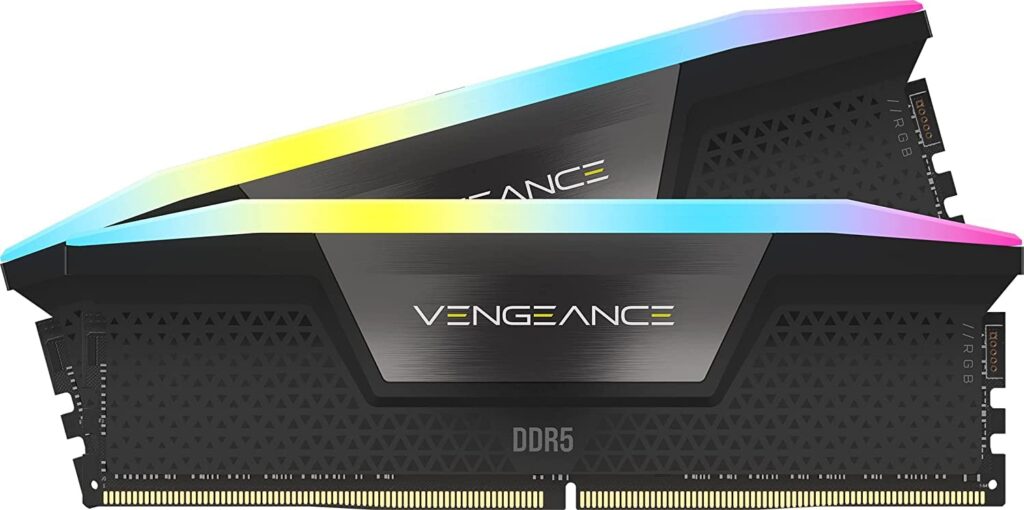
This RAM offers excellent speed and reliability.
Why It Is Best
- High memory speeds
- Excellent compatibility
- Reliable performance
Storage
Storage determines how quickly your operating system, games, and applications load.
Traditional hard drives are slower compared to modern SSDs.
Types of Storage
HDD (Hard Disk Drive)
Large storage capacity but slower speeds.
SSD (Solid State Drive)
Much faster and improves system performance.
NVMe SSD
The fastest storage option available today.
Best Storage Option
Samsung 990 Pro NVMe SSD
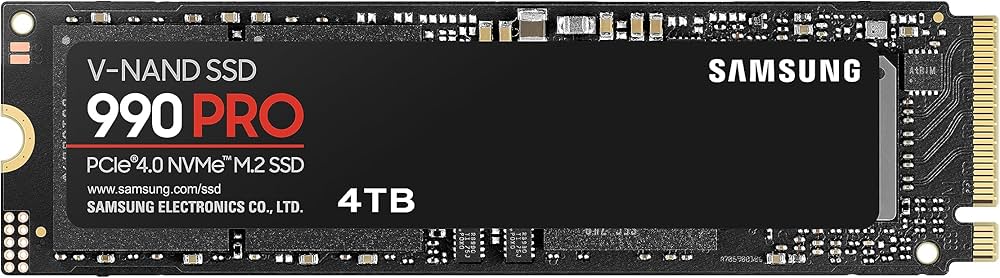
This SSD offers extremely fast read and write speeds.
Why It Is Best
- Ultra-fast loading times
- High reliability
- Excellent gaming performance
For gaming PCs, an NVMe SSD is highly recommended.
Power Supply (PSU)
The Power Supply Unit provides electricity to all components in your PC.
A good PSU ensures stable power delivery and protects components from damage.
What to Look for in a PSU
- Wattage capacity
- Efficiency rating (80+ Gold recommended)
- Brand reliability
Recommended PSU
Corsair RM1000x Power Supply
This PSU is reliable and powerful enough for high-end GPUs.
Why It Is Best
- High efficiency rating
- Stable power delivery
- Trusted brand
PC Case
The PC case houses all components and helps manage airflow and cooling.
What to Look for in a PC Case
- Good airflow design
- Enough space for GPU
- Cable management support
- Cooling fan support
Best Gaming Case
Lian Li Lancool III
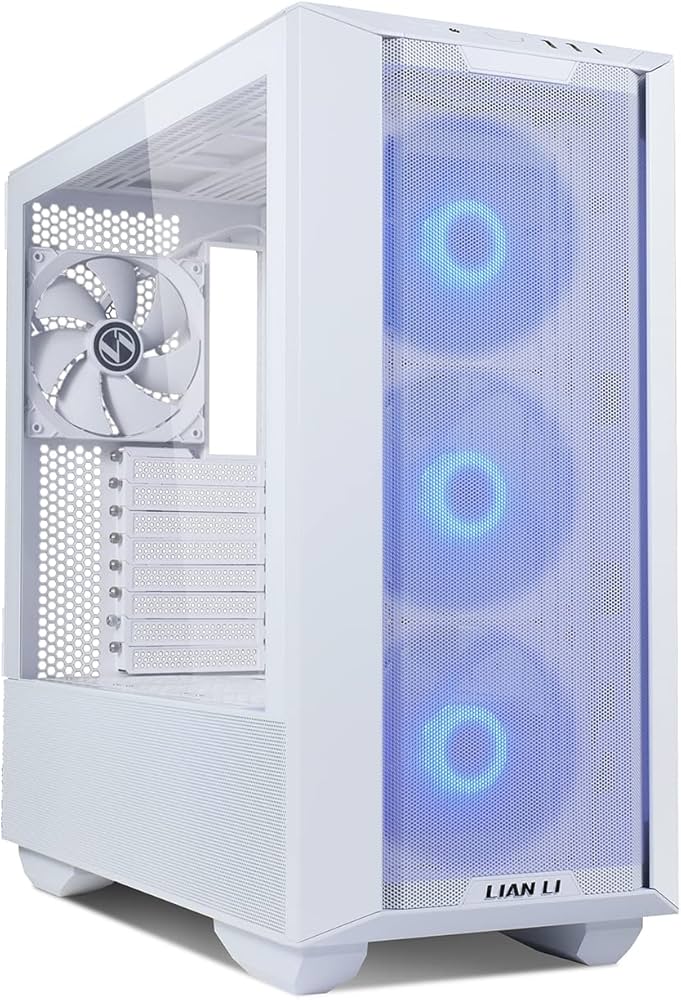
This case provides excellent airflow and build quality.
Why It Is Best
- Strong airflow
- Spacious interior
- Modern design
Cooling System
Gaming PCs generate a lot of heat. Proper cooling ensures your system runs efficiently.
Cooling Options
Air Cooling
Affordable and reliable cooling solution
Liquid Cooling
More powerful and suitable for high-end CPUs.
Best Cooling Solution
NZXT Kraken Liquid Cooler
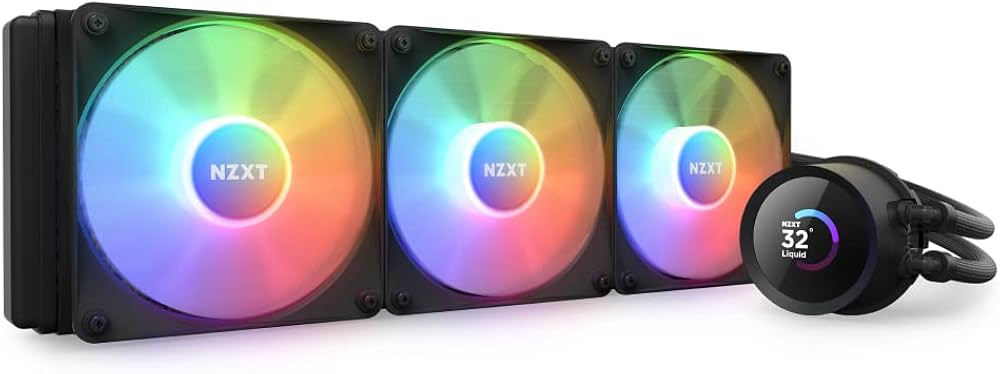
This cooler provides excellent thermal performance.
Why It Is Best
- Better temperature control
- Quiet operation
- Ideal for high-performance builds
Best Gaming PC Build (2026)
CPU: AMD Ryzen 7 7800X3D
GPU: NVIDIA RTX 5080
Motherboard: ASUS ROG X670E
RAM: 32GB DDR5
Storage: Samsung 990 Pro NVMe SSD
PSU: Corsair RM1000x
Cooling: NZXT Kraken Liquid Cooler
Case: Lian Li Lancool III
This setup is capable of handling 4K gaming, streaming, and heavy workloads.
Final Thoughts
Building a gaming PC may seem complex at first, but understanding the purpose of each component makes the process much easier. By selecting powerful components such as a strong CPU, high-end GPU, fast RAM, and reliable power supply, you can create a system that delivers excellent gaming performance.
A custom gaming PC also provides flexibility for upgrades in the future, allowing you to keep your system relevant for years.
With the right components and careful planning, you can build a gaming PC that offers high performance, smooth gameplay, and an amazing gaming experience.